AI, on your terms
A helping hand.
Chat about a repo or have AI draft a scroll. Check it against the code, and keep what makes sense.
Use your own API key or run a local model. Your provider bills you directly.

Read unfamiliar code, ask why, and keep notes pinned to the lines. Including the code your AI wrote.
macOS, iOS and Android
Follow the build on X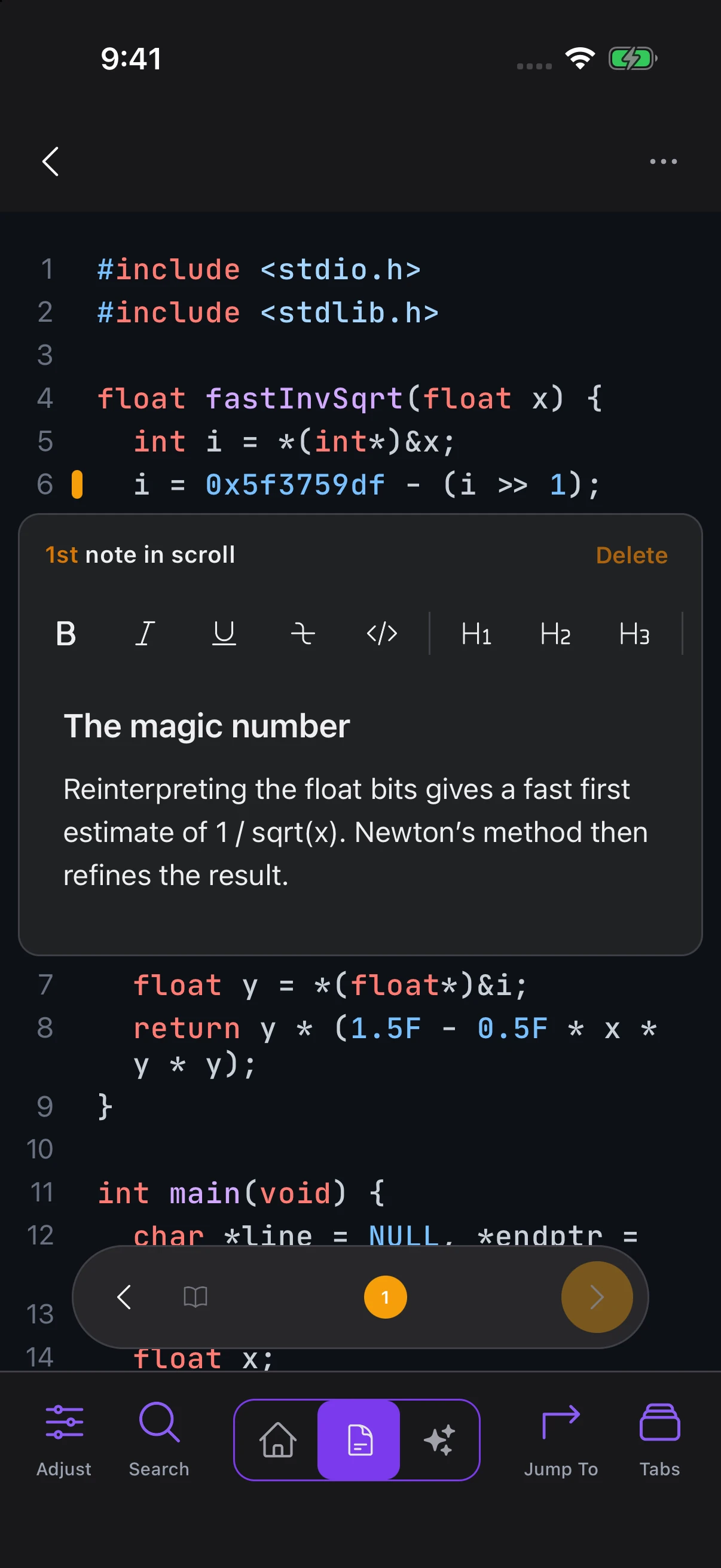
How it works
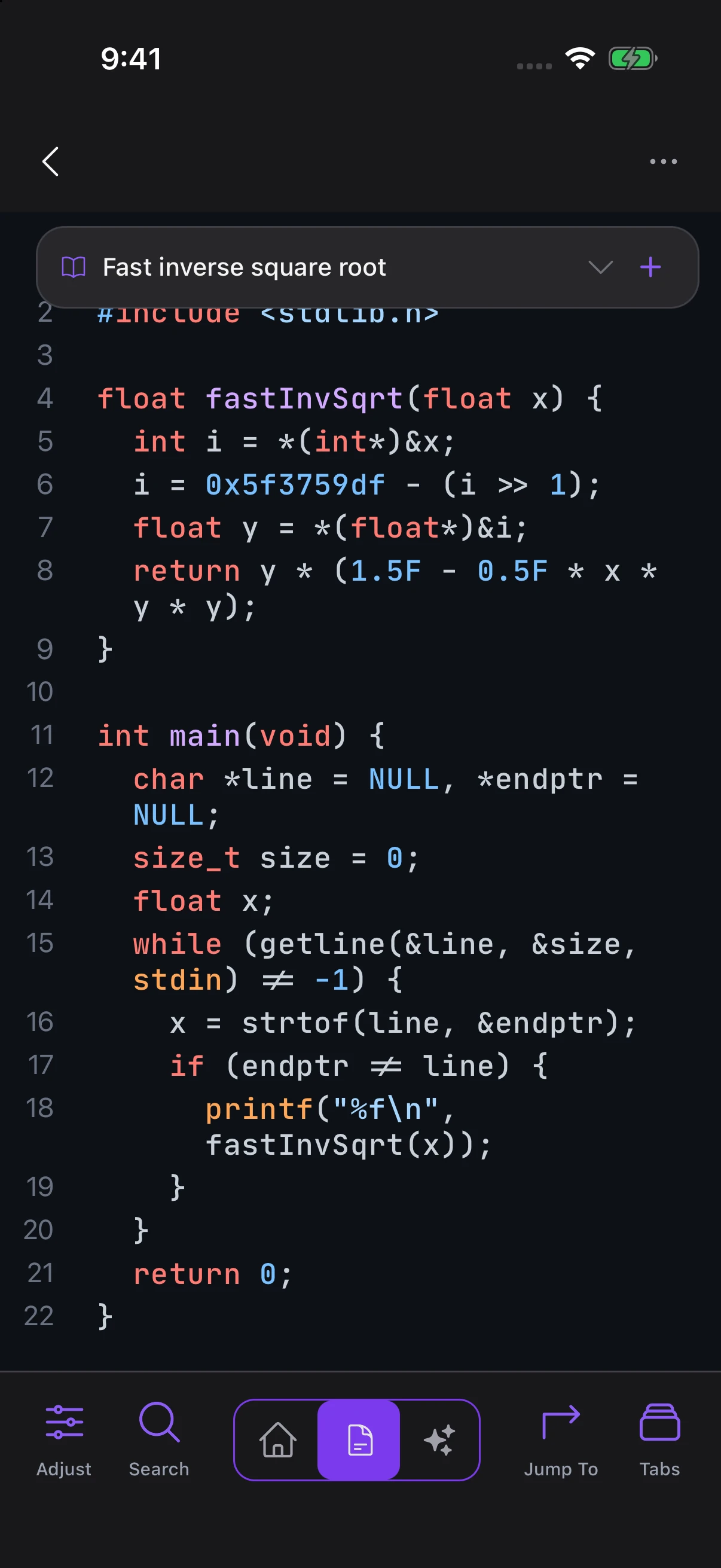
A scroll puts your code-linked notes in order, so you can follow the logic again.
Browse the files in a view built for reading. Keep writing code in your editor.
Trace a bug, follow a request, or work through what your agent wrote.
Pin notes to the lines that matter and arrange them into a scroll.
AI, on your terms
Chat about a repo or have AI draft a scroll. Check it against the code, and keep what makes sense.
Use your own API key or run a local model. Your provider bills you directly.
Gitscrolls Sync · Paid
Start at your desk. Continue on your phone. A subscription keeps your notes and scrolls in sync.
Your subscription covers sync. AI usage is separate.
On understanding
Developers whose work you probably use, on knowing the code you ship.
No affiliation or endorsement. The people quoted below have no relationship with Gitscrolls. They have not used the product and do not endorse it.

The "whiteboard defense:" I should be able to pull you aside at any moment and ask you to explain any customer-facing system you've shipped. You should be able to clearly explain how it works and defend the decisions you made. This is my benchmark for responsible AI usage.

"It is difficult to get a man to understand something, when his salary depends on his not understanding it" — Upton Sinclair I think this quote explains a lot of the coping that's going on, but I also think it's wrong! The failure to understand is what'll erase the paycheck.

We'll be spending a lot more time trying to understand the outputs of language models. … As LLMs get better, they will do more and more of the legwork autonomously, and a lot more of our work will rise up the abstractions into oversight and understanding.

Reject non-understanding. … I want AI in the service of understanding the universe and enhancing human cognition and creativity.

Hot take: I think it's still important to understand the code that our agents write!

Short musings on "cognitive debt" - I'm seeing this in my own work, where excessive unreviewed AI-generated code leads me to lose a firm mental model of what I've built, which then makes it harder to confidently make future decisions

It’s not “your own” if you don’t understand it

The "should you read code" debate is dumb because the real decision isn't binary, it's a scale: 1. Reading every line of every diff 2. Scanning every diff, reviewing important lines 3. Ignoring diffs but understanding the 'why' of every PR 4. Spot checking PR's instead of reading every one 5. Ignoring PR's, but doing regular spot checks on the codebase 6. Ignoring the code, but spot checking agent traces to help improve the system 7. Ignoring both the code and the system, let models handle everything Where are you on the scale?

You are responsible for whatever clanker generates for you. This is why YOU READ THE CODE.